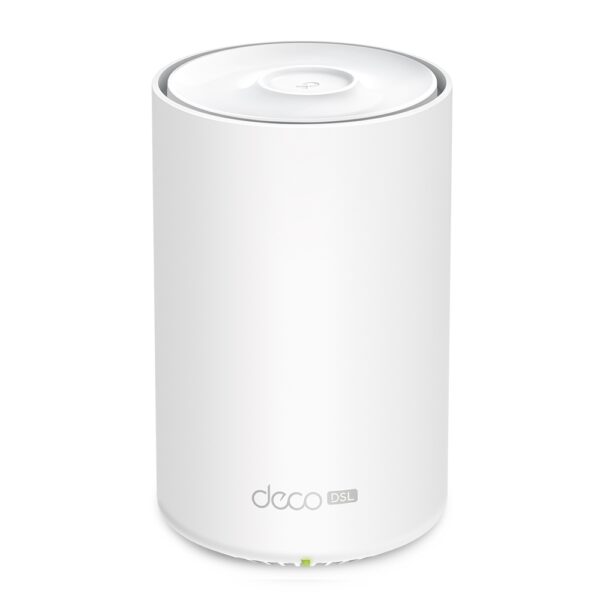
TP-Link Deco X-53
This modem is used for ADSL, VDSL and Fibre connections
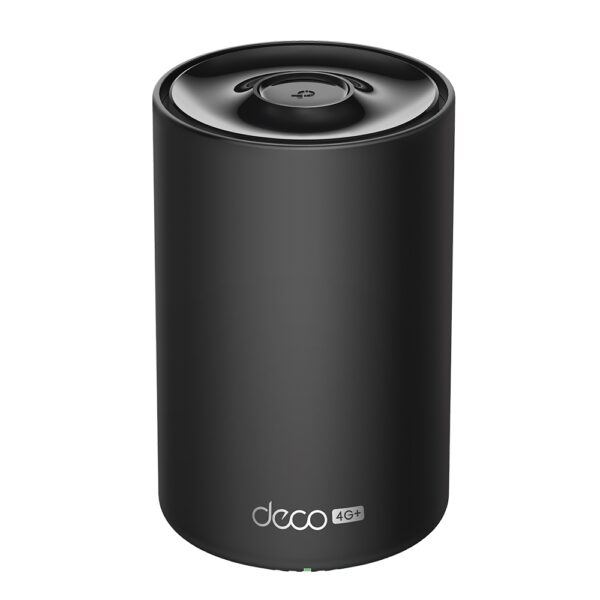
TP-Link Deco X-58
This modem is used for 4G RBI and 4G Urban Wireless
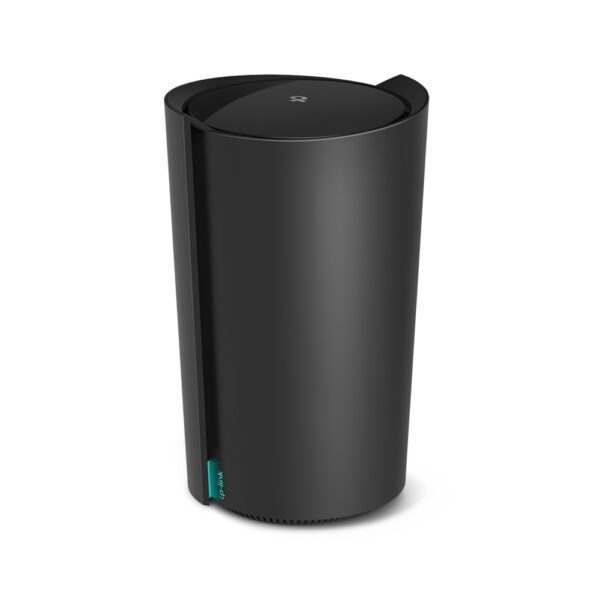
TP-Link Deco X-80
This modem is used for 5G RBI and 5G Urban Wireless
You can download the Deco App from both the Google play store or the Apple Appstore
The app is the primary method to manage the device, Deco Devices do not have a traditional interface that you can log into to change settings.
In the app you can:
- Manage wifi settings
- Split the wifi from a joint 2.4 GHz and 5GHz to just a 2.4GHz
- Add a Guest Network as a 5Ghz or 2.4GHz network for printer or security requirements
- Check signal strength
- Moving the modem to different spots in the house, and checking the signal strength is the best way to ensure your connection will operate at its best
- Enable or disable the external antennae
- Adding an external antennae can improve the signal strength, but if you unplug or plug in an antennae, you need to update the setting for the modem to work
Deco x58 setup
You can view a full guide here: Full Setup Guide
If you only need to ‘bind’ the Deco to your existing app, use this guide: Deco Bind Guide


